
Module · Purchasing
Your purchases under control… from Request to Receipt
Purchase Requisition, then Supplier Quote comparison, multi-level approvals, then receipt and Supplier Invoice linked to Inventory and Accounting.
Visual PipelineMobile ApprovalsThree-Way Matching
digit-erp.com / app / buying

Interface Preview · Demo Data
6 Stages
Visual Purchasing Pipeline
From Order to Invoice
Via Mobile
Faster Approvals
Approve anywhere
Comparison
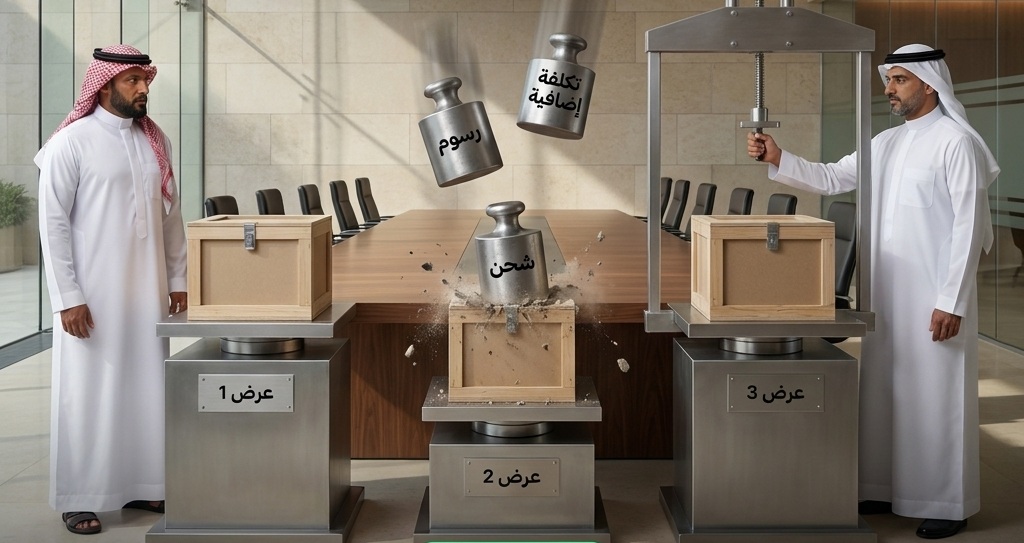
Supplier Quotes
Choose the best clearly
3-Way
Matching before payment
Request·Receipt·Invoice
Why Digit Purchasing
Clear purchasing… no scattered emails
Six capabilities that transform purchasing from emails and Excel into a visual pipeline with approvals and controls.
Request to Purchase Order Path
A visual status pipeline from Purchase Requisition to Supplier Invoice.
Supplier Quote Comparison
Compare quotes in a single table and choose the best price and terms.
Mobile Approvals
Multi-level approval chains that can be authorized via mobile.
Supplier Evaluation
Track supplier performance in terms of commitment, quality, and price.
Delay Alerts
Alerts for delayed requests and orders before they impact operations.
Three-Way Matching
Match Request, Receipt, and Invoice before approving payment.
From the Inside
Clear Purchasing Path… by Status
Know exactly where every request stands in the pipeline: awaiting approval, PO, received, or invoiced — no searching, no emails.
- ✓Purchase Requisition & Request for Quotation (RFQ)
- ✓Supplier Quote Comparison
- ✓Purchase Order & Receipt
- ✓Linked Supplier Invoice
- ✓Three-Way Matching before Payment
digit-erp.com / app / buying
Interface Preview · Demo Data
Pipeline Stages
From Request to Invoice… Six Stages
The purchasing workflow is divided into clear stages; each stage has an owner, status, and alert.
Purchase Requisition
The need begins
Supplier Quotes
Compare and Choose
Purchase Order
After Approval
Receipt & Invoice
Match & Pay
Live Scenario
From Purchase Requisition… to Supplier Invoice
Purchase Requisition←Supplier Quotes←Approval←Purchase Order←Receipt←Supplier Invoice
Frequently Asked Questions
Purchasing Team FAQs
Answers regarding approvals, comparisons, and matching.
How are approvals handled?
Through multi-level approval chains that can be authorized via mobile based on permissions.
Can I compare supplier quotes?
Yes, quotes are displayed in a comparison table to choose the most suitable one.
Does it support three-way matching?
Yes, it matches the Request, Receipt, and Invoice before payment authorization.
Can I approve from mobile?
Yes, approvals are available via mobile for authorized users.
Is it linked to Inventory and Accounting?
Yes, receipts update inventory and invoices generate journal entries automatically.
Ready to control your purchasing?
Demo showing workflow and approvals — 30 minutes, no commitment.