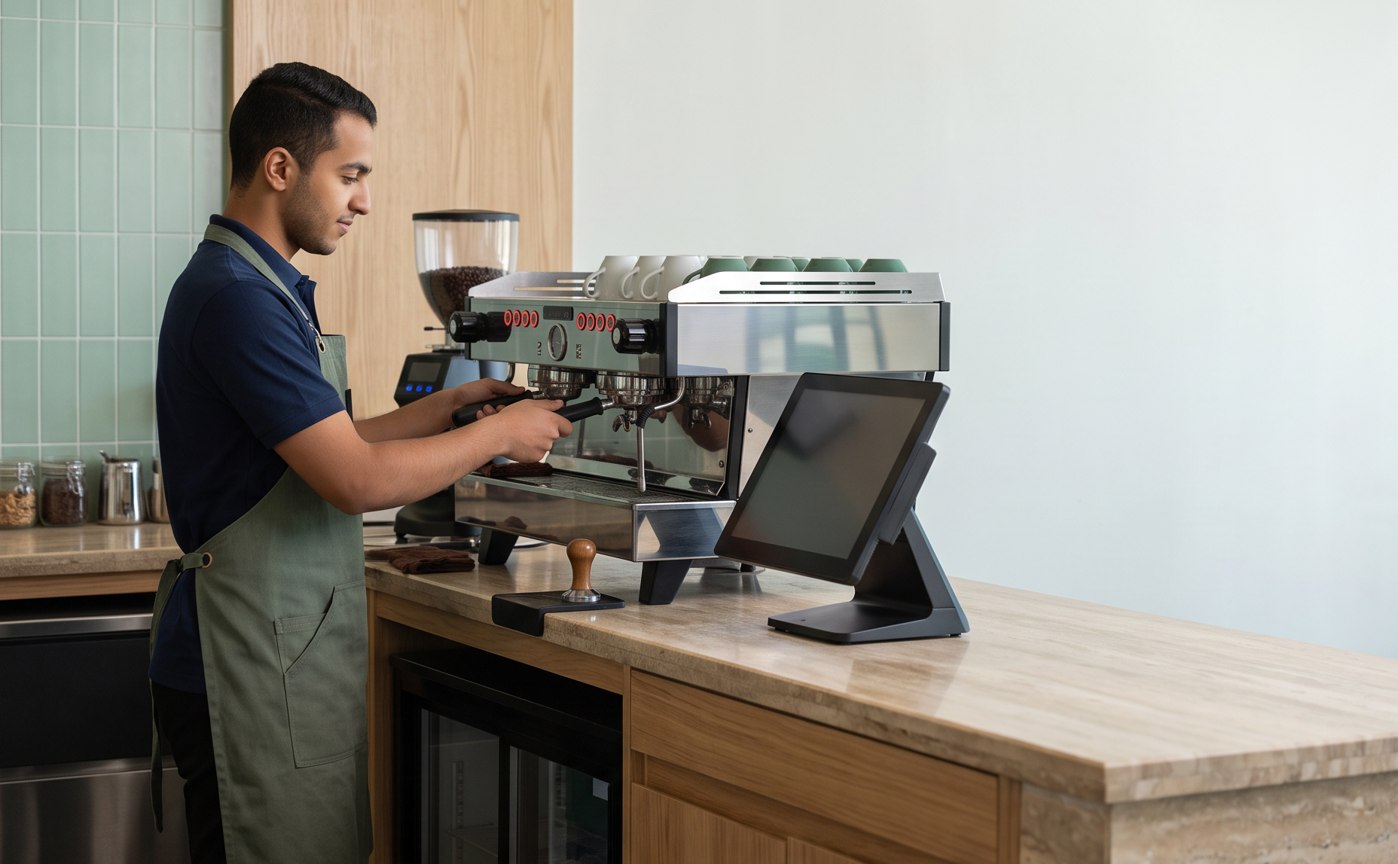
● POS Solutions · Restaurants and Cafes
POS for Restaurants and Cafes… From Order to Accounting
Dine-in and table orders, ingredient deduction by recipe, dish costing, and simplified invoices — all from the same database, per system settings.
Tables & Dining AreaRecipes & Ingredient DeductionDish CostingShiftsSimplified QR Invoice
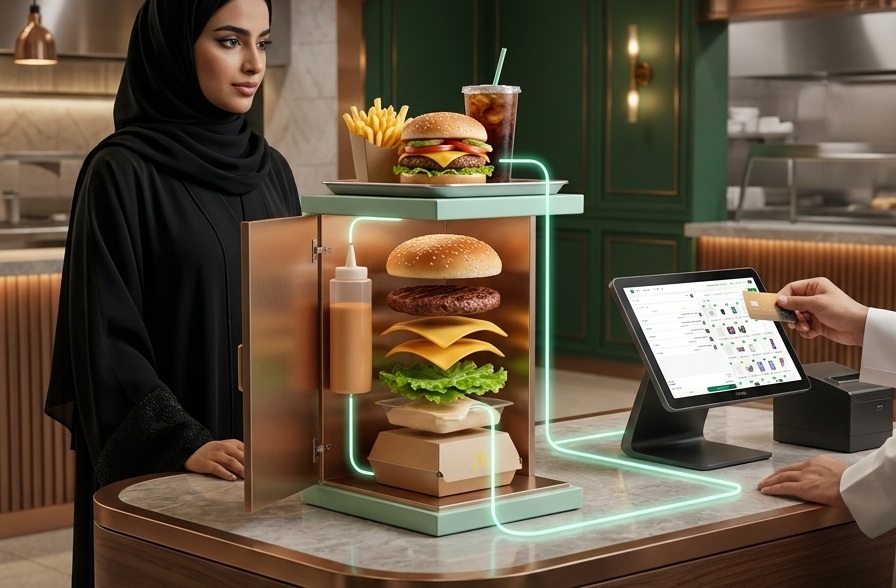
Where are Time and Money Lost?
Where is time and money lost in Restaurants and Cafes?
—
Lost Orders
Between the dining area and the kitchen, orders get lost or delayed.
Unknown Costs
Not knowing the cost of a dish hides your profitability.
Ingredient Waste
Without recipe integration, it is difficult to control waste.
How Digit POS Works inside ERP?
POS within an integrated system — no separate cashier
Every sales transaction moves through the entire system: from sales to reports, from the same database.
Sales←Inventory←E-invoicing←Accounting←Reports
Restaurant & Cafe Features
What a Restaurant Cashier Needs
—
Items and Modifiers
Items with images and quick order modifiers.
Table Management
Open, merge, and split table invoices.
Ingredient Deduction by Recipe
Every dish deducts its ingredients from the inventory.
Dish Costing and Profitability
Cost per dish and its profit margin.
Shifts and Closing
Open and close shifts with specific permissions.
Auto Entry
Every sale creates a journal entry from the same database.
Inside Look
Restaurant and Cafe Cashier Screen
Interface preview · Demo data — to be replaced with a real screenshot later.
digit-erp.com / app / point-of-sale
Interface Preview · Demo Data
To be replaced with a real Digit POS screenshot later
To be replaced with a real Digit POS screenshot later
One platform… no separate systems
Digit POS for restaurants is a point of sale within a full ERP — Ordering, Inventory, Dish Costing, and Accounting from the same database.
Frequently Asked Questions
Restaurant and Cafe FAQ
—
Does it manage tables?
Yes, open, merge, and split invoices according to configuration.
Does it deduct ingredients based on recipe?
Yes, every dish deducts its ingredients from the inventory.
Does it calculate dish cost?
Yes, cost and profit margin for each dish.
Does it support Kitchen Display System (KDS)?
Kitchen screen is based on available integration, subject to activation and verification.
Does it link with delivery apps?
Integration with delivery platforms is based on available integration.
Is the invoice compliant?
Supports ZATCA e-invoicing Phase 2 scenarios when configured correctly.
Does it support multiple branches?
Yes, menus, prices, and reports for each branch.
Ready to connect your restaurant from order to profitability?
Demo with your business data — 30 minutes, no obligation. We respond within 4 business hours.