
Module · Reports
50+ ready-made Arabic reports… and your custom report without code
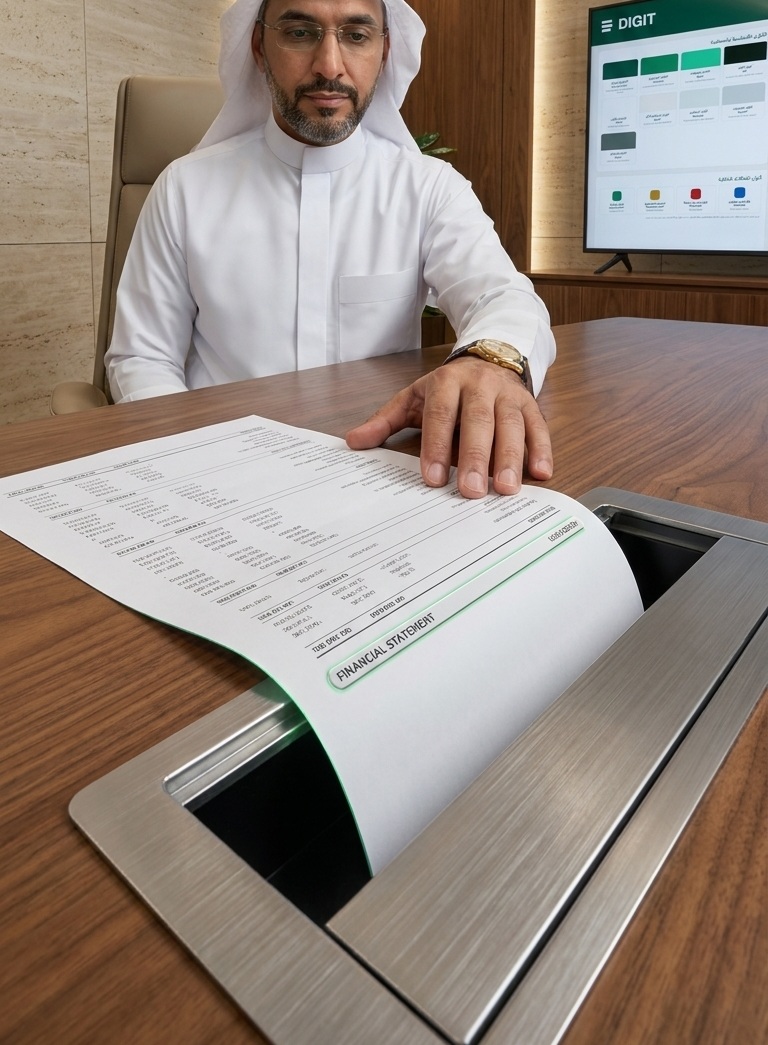
Arabic Report Center: Ready-made financial statements, dashboards, reports by branch and project, plus export and scheduling — no consultant needed for every report.
50+ Ready ReportsNo ConsultantExport & Schedule
digit-erp.com / app / digit-reports

Interface Preview · Demo Data
50+
Financial and Management Report
Verified and inserted before publishing
6 Categories
Finance·Sales·Purchasing·Inventory·Tax·HR
Categorized in Arabic
No-Code
Self-Service Report Builder
Columns, filters, and grouping
PDF·Excel
Export & Email Scheduling
Automated sending at specific times
Why Digit Reports
Your reports are ready… without waiting or consultants
Six capabilities that solve the primary complaint: scattered, English-only, delayed reports that require a programmer.
Library of 50+ Ready Reports
Finance, Sales, Purchasing, Inventory, and Tax — categorized in Arabic and ready to use.
No-Code Report Builder
Choose columns, filters, and grouping, and save your custom report without programming.
Saved and Recent Filters
Save your favorite views and return to your recent reports with one click.
Email Scheduling
Send any report automatically at a scheduled time to those who need it.
PDF and Excel Export
Export any report in a format ready for sharing or analysis in seconds.
Dashboards & Indicators
Cash, sales, receivables, and profitability in one dashboard; every number is clickable.
From the Inside
Organized Report Center… in Arabic
Your reports are organized in clear categories, with favorites, recent, and saved filters — no searching long lists or English names.
- ✓Financial Statements: Trial Balance, Income, Balance Sheet, Cash Flow
- ✓VAT Reports and Aging of Accounts
- ✓Reports by Branch, Project, and Cost Center
- ✓No-Code Report Builder + Saved Filters
- ✓Email Scheduling and PDF/Excel Export
digit-erp.com / app / digit-reports
Interface Preview · Demo Data
Management Vision
Every number is clickable… down to the document
Go from summary to detail: click any number to see the document that formed it, and view your reports by branch, project, and department.
From Summary to Detail
From number to source
By Branch
Performance per branch
By Project
Revenue and cost per project
By Department
Expenses of each department
Live Scenario
Build a new report… in less than 3 minutes
Select Type←Define Filters←Group Data←Save Report←Export or Schedule
Frequently Asked Questions
CFO FAQs before decision
Honest answers for those waiting days for reports or relying on consultants.
Are the reports fully in Arabic?
Yes, report names, columns, and outputs are in Arabic, with bilingual printing and exporting.
Can I build a new report myself without a programmer?
Yes, using the no-code report builder: you select columns, filters, and grouping, then save the report.
Can reports be scheduled and exported?
Yes, they are exported to PDF and Excel, and can be scheduled for automated email delivery.
Can I see the details of every number?
Yes, every number is clickable down to the level of the original document.
Can I see profits by branch or project?
Yes, through analytical dimensions and cost centers.
Do I need a consultant to generate reports?
No, the ready-made library + no-code builder eliminate the need for a consultant.
Ready to see your company's numbers clearly?
Demo presentation with Saudi company data — 30 minutes, no commitment. We respond within 4 business hours.